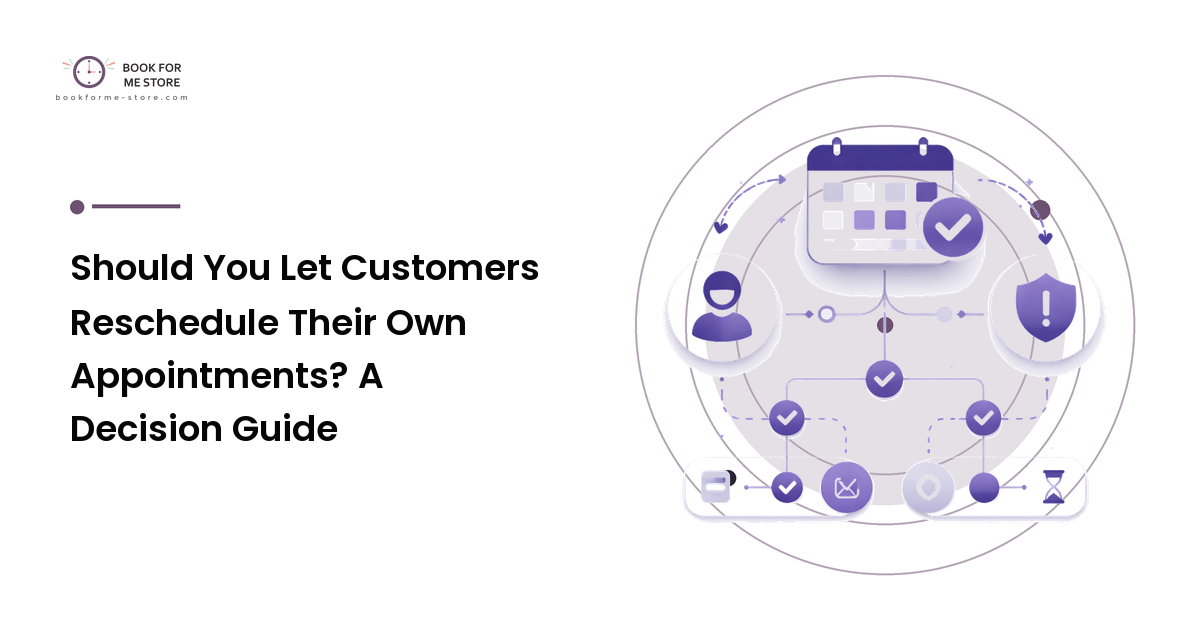
Someone's plans change, and they have a choice: message you and wait, or just not show up. When the only way to move an appointment is to go through you, a lot of people quietly pick the second option. Self-service rescheduling gives them an easy third choice — move the slot themselves — but handing customers the keys to your calendar also means giving up some control over it.
The takeaway up front: letting customers reschedule online is usually a win, because a moved appointment beats a no-show — but only with guardrails. Unlimited, last-minute rescheduling can shred your calendar and let one person hop across your whole week. So the real question isn't should you allow it — it's under what limits. This guide is a decision framework for whether self-rescheduling fits your business, and which reschedule policy keeps it from backfiring.
What self-rescheduling actually trades
Every rescheduling policy is a trade between friction and control.
Handle every change yourself and you keep total control — nothing moves without your say-so — but you pay in time. Each "can we move Thursday?" is a message to read, a calendar to check, and often a few rounds of back-and-forth. Across a busy week that becomes a part-time job, and the friction costs bookings too: faced with the effort of reaching you, some people just forget and miss the appointment.
Let customers reschedule online and you flip that. Friction drops to near zero — they open a reschedule appointment link, pick a new slot, done — and a change that used to mean an awkward message becomes a quiet self-correction. The cost is control: your calendar can now move without you watching, fine if the rules are good and a problem if there are none. So the goal isn't "turn it on for everyone" — it's to capture the friction savings and keep the calendar sane.
Why a moved appointment beats a missed one
The upside is bigger than convenience, because self-rescheduling is one of the simplest ways to reduce no-shows. A no-show is the worst outcome for a booked slot — the time is gone, you usually can't refill it in the moment, and you've lost the work. A reschedule is the opposite: it keeps the appointment alive and frees the original slot early enough that someone else might take it.
With no easy way to move a booking, though, a meaningful share of would-be reschedules collapse into no-shows. The person whose afternoon fell apart wanted to shift to next week, but reaching you felt like a chore, so they did nothing. Self-rescheduling rescues those bookings. The work of cutting no-shows starts earlier, with good reminders and confirmations — see our appointment-management guide — but self-rescheduling is the safety net for the changes those reminders surface.
When you should let customers reschedule online
Self-rescheduling fits best when these are true:
- Your slots are easy to refill. If a freed slot can be taken by someone else — you have steady demand or a waitlist — a customer moving their time costs you little.
- Appointments are interchangeable. If most bookings are the same service and duration, software can safely offer open slots without you vetting each move.
- You're spending real time on manual reschedules. If "can we move this?" is a daily tax, automating it buys back hours.
- No-shows are a live problem. If people miss appointments rather than move them, lowering the effort to reschedule turns misses into kept bookings.
This is the common case for salons, tutors, routine clinic visits, and classes: high volume, similar slots, and a steady trickle of changes that don't each need your judgment.
When you should keep rescheduling in your hands
Self-rescheduling is a poor fit — or needs heavy limits — when:
- Appointments are complex or resource-bound. If a booking ties up a specific room, equipment, a second staff member, or a prep window, a customer freely moving it can create conflicts they can't see.
- Slots are scarce and hard to refill. Run few high-value appointments with no waitlist, and a last-minute move leaves a hole you can't fill — closer in cost to a cancellation than a tidy swap.
- Sequencing matters. Follow-ups that must fall a set time after a previous visit, or staged services, can be quietly broken by a customer dragging a slot to the wrong week.
- A specific person must be present. If the appointment only works with one specialist, "any open slot" isn't actually open — scope self-service to that person's calendar, or skip it.
Here the answer isn't a flat no; it's "allow self-rescheduling only within tight rules," or "let them request a change while you confirm it" — which brings us to the part that makes it safe.
The guardrails that make it work
Whether self-rescheduling helps or hurts comes down almost entirely to its limits — so decide these on purpose:
- A cutoff window. Allow self-reschedules up to a set point before the appointment — say 24 hours out — and require contact after that. This stops 15-minutes-before chaos while still covering the changes that matter.
- A reschedule limit. Cap it at one or two self-moves per booking. Without one, a single indecisive customer can hop a slot across your whole week and block others each time.
- Respect your real availability. Self-rescheduling should only ever offer slots that are genuinely open, with your buffers and breaks honored — the same honest availability your booking page uses, not a raw grid.
- Scope it to the right calendar. If the service needs a specific person or resource, restrict the offered slots to that calendar so a move can't land somewhere unworkable.
- Notify yourself on every change. A reschedule should ping you and update your calendar automatically, so you're never surprised and the old slot frees up at once.
- Keep deposits and policies attached. If a booking carried a deposit or sits under a cancellation policy, a reschedule should carry those terms with it — moving a slot isn't a loophole to reset the rules. (This is operational guidance, not legal advice; deposit and refund rules vary by region, so check what applies to you.)
Set these and self-rescheduling becomes a release valve that absorbs ordinary life without letting anyone treat your calendar as a free-for-all. Skip them and you've handed out chaos.
FAQ
Does letting customers reschedule online increase no-shows?
Generally the opposite. A no-show usually happens when changing plans is harder than not showing up. Self-rescheduling lowers that effort, so wobbling appointments get moved instead of missed. The real risk isn't more no-shows — it's a messier calendar if you allow last-minute moves, which the cutoff window and reschedule limit prevent.
How many times should I let someone reschedule the same appointment?
For most businesses, one self-reschedule per booking is plenty, with two as a generous ceiling. A cap matters because each move can block the slot for others and signals a booking that may never stick. Past the limit, route the change through you.
Should I set a cutoff time for online rescheduling?
Yes — it's the single most useful guardrail. Allowing self-reschedules only up to a set point before the appointment (commonly around 24 hours) prevents last-minute disruption while still capturing the changes most likely to become no-shows. Anything inside the window should require contacting you directly.
Can I let some services be self-reschedulable but not others?
Yes, and you should. Turn it on for standard, easy-to-refill, interchangeable appointments, and keep complex, resource-bound, or scarce high-value bookings under manual confirmation. Matching the policy to the service captures the friction savings where they're safe.
What's the difference between rescheduling and canceling for my business?
A reschedule keeps the booking alive and frees the slot early, so the customer still gets served and someone else may take the freed time. A cancellation ends the booking outright and often leaves a gap that's hard to refill on short notice. That's why making rescheduling the easy path protects more revenue.
Next step
Decide your reschedule policy on purpose rather than by default. Turn on self-rescheduling for your easy-to-move, easy-to-refill services, attach a cutoff window and a one-reschedule limit, and leave complex or scarce appointments under manual confirmation. The aim isn't to hand over your calendar — it's to give customers a low-effort way to fix a conflict before it becomes a missed appointment you can't recover. Set yours up with a booking tool that does this cleanly at bookforme-store.com.