If you take bookings, no-shows are the quiet tax on your week: an empty chair you can't refill, time you can't bill, and a slot someone else wanted. The usual reaction is to get tougher — charge fees, demand deposits, scold the calendar. But here's the takeaway that changes everything: most no-shows aren't defiance, they're friction and forgetting. Fix the friction and the memory, and you solve the majority of missed appointments before a penalty ever enters the picture.
This guide lays out the friction-math approach: why people really miss appointments, the exact two-reminder system that works, a worked example, and the common mistakes that make reminders backfire. It's vendor-neutral — the principles work in any booking tool. If your underlying calendar setup is messy, fix that first with our scheduling guide, because reminders can't rescue a double-booked or confusing calendar.
The hard problem: you're treating a memory issue as a motivation issue
When someone misses an appointment, it's tempting to assume they didn't care. Occasionally true. Far more often, one of two things happened: they forgot, or something changed and rescheduling felt harder than just not showing up.
That reframes the whole problem. If no-shows were about motivation, fees would fix them. They don't, reliably — because you can't penalize someone out of forgetting, and a fee on a person who genuinely couldn't make it just costs you the relationship. The real levers are memory (timely reminders) and friction (how easy it is to confirm, cancel, or move an appointment). Pull those two and the no-show rate falls on its own.
The friction math
Think of every appointment as a small tug-of-war between showing up and not. Every obstacle you put in front of "show up or reschedule properly" pushes people toward the silent no-show. So the goal is to make the right actions effortless and the wrong ones unnecessary.
- Confirming should take one tap. "Reply Y to confirm" or a single button. If confirming requires calling during business hours, many won't.
- Rescheduling should be self-serve. If someone's plans change at 7am, they should be able to move the booking themselves in seconds. Force them to phone you and they'll just vanish instead — and you lose the slot and the customer.
- Reminders should match how people live. A reminder a week early is forgotten; one five minutes before is useless. Timing is everything.
Friction math is simply this: subtract obstacles from the actions you want, and you'll get more of them.
The two-reminder system that works
You don't need a barrage of messages — that trains people to ignore you. You need two, each doing a distinct job.
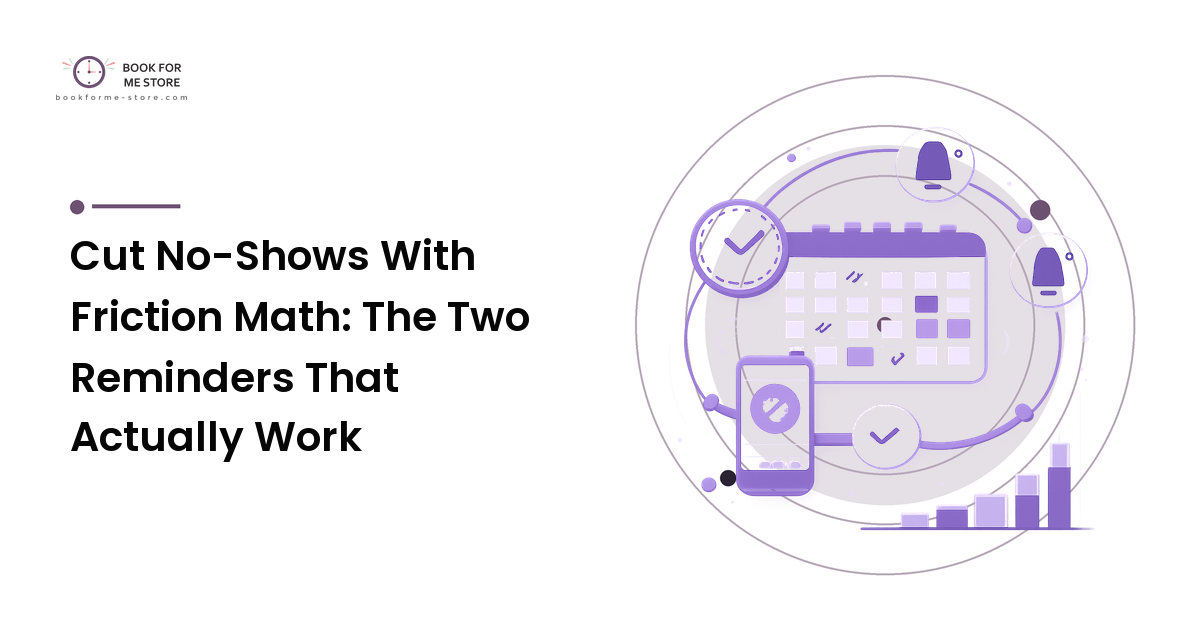
- The confirmation reminder, ~24 hours out. Sent a day before, this asks for an explicit one-tap confirm. Its real purpose isn't the reminder — it's the signal. A confirm tells you the slot is solid; silence is an early warning that lets you follow up or release the time. This single message, with an easy reschedule link attached, prevents the largest share of no-shows.
- The nudge reminder, ~1–3 hours out. A short prompt close to the appointment, when the day is real and plans are set: time, place, and anything they need to bring or prepare. This catches the people who confirmed yesterday but lost track of today.
Two messages, two jobs: the day-before confirm flushes out the cancellations early; the same-day nudge defeats forgetting. Add a self-serve reschedule link to both and you've removed the friction that turns a changed plan into a ghosting.
A worked example
A small clinic runs 40 appointments a week and loses 6 to no-shows — a 15% rate, and six unbillable hours.
They add the two-reminder system. The 24-hour confirmation surfaces three people who realize they can't make it; because rescheduling is one tap, two move to later in the week and one cancels, freeing slots the clinic fills from a waitlist. The 2-hour nudge catches two more who'd simply forgotten. No-shows drop from 6 to roughly 1–2 a week — a 10-point fall — with no fees, no deposits, and no awkward conversations. The recovered slots alone pay for the messaging many times over.
Notice what did the work: not punishment, but early information (the confirm) and easy correction (one-tap reschedule). The clinic stopped losing slots silently because customers finally had a frictionless way to tell them.
Common mistakes and why they backfire
- Sending too many reminders. Five messages teach people to tune you out, so the one that matters gets ignored too. Two well-timed beats five noisy ones.
- Reminders with no action attached. "Don't forget your appointment" with no confirm button and no reschedule link is a dead end. Always pair the reminder with the easy next step.
- Leading with penalties instead of friction fixes. A stiff no-show fee on someone who'd have gladly rescheduled — if only it were easy — just burns goodwill. Make rescheduling effortless first; reserve deposits for genuinely high-cost or chronically abused slots.
- Reminders at useless times. A reminder fired at 2am, or a week out with nothing closer, misses the moment people actually plan their day. Anchor to ~24 hours and ~1–3 hours.
People make these mistakes because "more reminders" and "tougher rules" feel proactive. But each one adds noise or friction — the very things that cause no-shows.
The one move to remember
Make rescheduling a one-tap, self-serve action, and pair it with a 24-hour confirmation request. A changed plan should never have a dead end. The instant customers can move a booking as easily as keeping it, your silent no-shows turn into honest reschedules — and you keep the slot.
FAQ
Do reminders really reduce no-shows that much?
Yes, when they're timed well and carry an action. A day-before confirmation flushes out cancellations while you can still fill the slot, and a same-day nudge defeats simple forgetting. Together they address the two real causes of most no-shows.
Should I charge a no-show fee?
Only after you've removed friction and added reminders — and even then, sparingly. Fees punish the people who genuinely couldn't come and rarely fix forgetting. They make sense for high-cost or repeatedly abused slots, not as a first line of defense.
How many reminders is too many?
More than two or three usually backfires by training people to ignore your messages. A day-before confirmation and a same-day nudge cover the two jobs that matter; extra messages mostly add noise.
What about people who confirm and still don't show?
A small number always will. Catch them with the same-day nudge, keep a short waitlist so freed slots get filled, and track repeat offenders — those rare cases are where a deposit or a firmer policy is actually justified.
Text, email, or both for reminders?
Use whatever your customers actually read — for most service businesses that's text for the time-sensitive nudge and email for details. The channel matters less than the timing and the one-tap confirm and reschedule options you attach.
Next step
Pick your booking tool and set up exactly two reminders: a confirmation request about 24 hours out and a short nudge an hour or two before — each with a self-serve reschedule link. Run it for two weeks and compare your no-show rate. Almost always, that simple friction fix does more than any fee ever could.