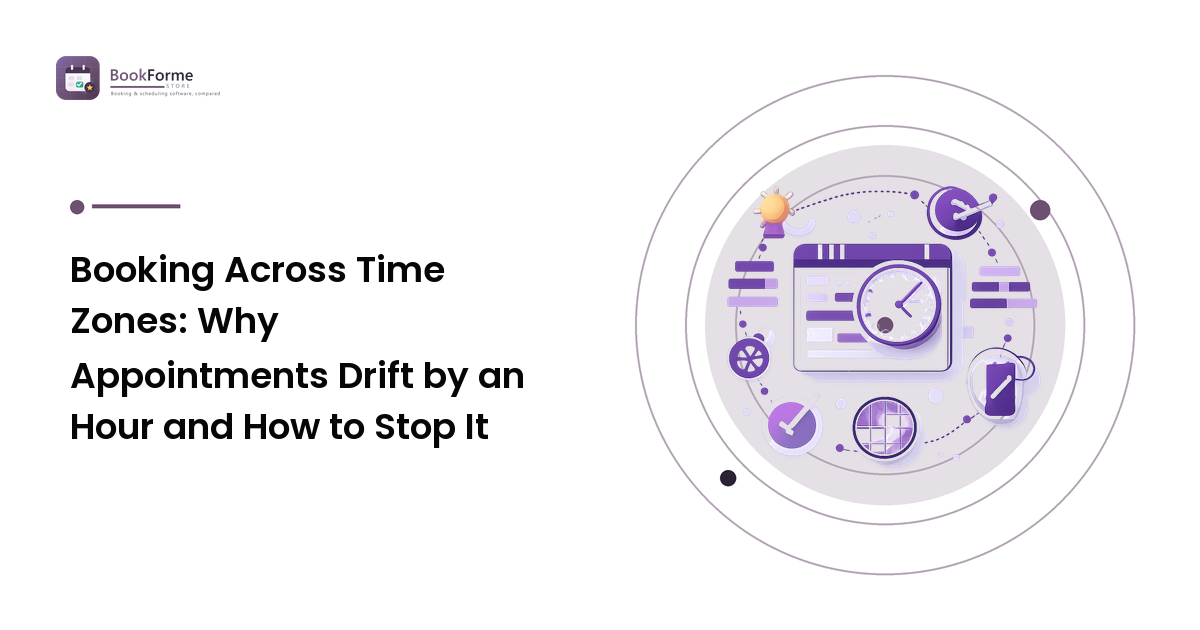
A customer books 2:00 PM, you both put it in the calendar, and one of you shows up an hour early. Nobody did anything careless — the booking was simply stored in a way that let two different clocks be right at the same time.
The core rule: never convert a time in your head, and never store a time without the zone it belongs to. Everything below is a variation on that. Here are the five ways cross-zone bookings actually break, in roughly the order they'll bite you, and the specific setting or habit that closes each one.
This is the deep version of the time-zone step in our scheduling guide — read that first if your calendar setup itself is still messy, because time-zone problems on top of an unsynced calendar are much harder to diagnose.
Failure 1: the abbreviation nobody can resolve
"Let's say 3pm CST" is ambiguous — CST is used for Central Standard Time in North America and for China Standard Time, and those are nowhere near each other. IST is claimed by India, Ireland, and Israel. Even unambiguous abbreviations flip between standard and daylight variants twice a year, so the same letters mean different offsets depending on the date.
The fix: never write a booking time using only an abbreviation. Confirm times in a form that can't be misread:
- The city or region: "3:00 PM New York time."
- Or the offset with the date attached: "3:00 PM (UTC−5)."
- Best of all, both, in the confirmation the customer receives.
Behind the scenes, a well-built booking tool stores a zone identifier (the America/New_York style name) rather than a fixed offset, because the identifier carries the daylight-saving rules with it. An offset alone is a snapshot that goes stale.
Failure 2: daylight saving, on two different schedules
This is the one that produces the classic "we've been meeting at this time for months and today it's wrong."
Three facts collide. Not every country observes daylight saving. Those that do don't switch on the same dates. And the southern hemisphere switches in the opposite direction from the northern one. So the gap between two regions is not a constant — it widens or narrows for a few weeks each year while one side has changed and the other hasn't, and for cross-hemisphere pairs it moves by two hours over the year rather than one.
The fix: stop thinking in gaps. "We're normally six hours apart" is a fact with an expiry date. Let the tool compute each side's local time from the stored zone identifier, and confirm the resulting local times in writing every time — especially for anything booked more than a few weeks out.
Failure 3: recurring appointments that drift
A weekly slot is where the daylight-saving problem becomes chronic rather than occasional. When the two parties are in zones that switch on different dates, a recurring appointment stays fixed in one person's local time and moves in the other's.
There's a design decision hiding here, and it's worth making deliberately:
- Fixed to a local time — "every Tuesday at 9am my time." The customer's local time shifts around DST transitions. Right for a provider whose day is anchored to their own working hours.
- Fixed to an absolute moment — the same UTC instant every week. Now your local time drifts. Rarely what a service business wants.
Most booking tools default to the first, which is usually correct — but the customer needs to know. A short line in the confirmation ("this is 9:00 AM London time, which may shift by an hour in your local time when clocks change") prevents the silent no-show that follows a transition.
For recurring cross-zone bookings, add one habit: a calendar reminder to yourself a week before each DST transition to review upcoming recurring appointments and re-confirm the affected ones. It takes minutes and prevents the most common cross-zone no-show.
Failure 4: the customer who travels
Someone books while at home and attends while three zones away — or the reverse. Their device time zone changed; the booking didn't.
The fix is mostly a confirmation-content problem. Confirmations and reminders should state the appointment in a named location's time rather than "your local time," because "your local time" means whatever the reading device thinks right now. Include a reschedule link in the same message so a traveller who spots a conflict can move it themselves rather than not showing up. If your reminders are thin, the reminder system that reduces no-shows is the piece to fix first.
For appointments where physical presence is required, the confirmation should also carry the address — which implicitly answers the time-zone question better than any offset.
Failure 5: group and multi-party bookings
Add a third participant and the number of possible misunderstandings scales with them. Classes, group sessions, and multi-attendee reservations need each attendee to see their own local time while the underlying slot stays single and unambiguous.
Two practical safeguards:
- Show local times per attendee at booking, on the confirmation, and on the reminder — not just at the moment of booking, when the customer is least likely to be paying attention.
- Keep capacity logic in one zone. Availability windows, cut-offs, and waitlist rules should be evaluated in the business's zone. Mixed-zone capacity rules produce off-by-one-hour bugs at the edges of your working day, which is exactly where they're hardest to spot. This is a close cousin of the sync problems behind double-bookings.
The setup that prevents all five
Configure once, then verify:
- Set the business time zone explicitly in your booking tool and your calendar. Don't leave it inheriting from whatever device you last logged in on.
- Enable customer time-zone detection so slots are shown in the visitor's local time, with the detected zone displayed and changeable — detection is a good guess, not a fact.
- Store zone identifiers, not fixed offsets. If your tool exposes this choice, choose the identifier.
- Put an unambiguous time in every confirmation and reminder — local time plus a named city, not an abbreviation.
- Set availability and cut-offs in your own zone, so your working hours mean what you think they mean.
- Test it properly. Book a test appointment with your device set to a distant time zone — ideally one on the other side of a DST boundary — and read every message the customer receives. This one test catches more real problems than any amount of settings review.
FAQ
Should I show customers slots in my time zone or theirs?
Theirs, with the detected zone shown and editable. Asking a customer to convert is where errors come from. The appointment is still recorded in your zone behind the scenes.
Why did my recurring appointment move by an hour?
Almost certainly a daylight-saving transition on one side but not the other. Recurring bookings are usually pinned to one party's local time, so the other party's local time shifts. Re-confirm the next occurrence in writing.
Is it safe to write times as UTC?
It's unambiguous, which is the important part — but most customers don't think in UTC and will mis-convert it. Use a named local time as the primary and treat UTC or an offset as a secondary clarifier.
What if the customer's detected time zone is wrong?
It happens — VPNs, travel, and device settings all interfere. Always show the detected zone as editable text at booking, and repeat the zone in the confirmation so an error is visible while there's still time to fix it.
Do I need a booking tool for this, or can I manage manually?
You can manage manually if everyone is in one zone. The moment they aren't, manual conversion is the single biggest source of missed appointments — and daylight-saving asymmetry makes it a recurring problem rather than a one-off.
Time-zone handling is one of the sharpest differences between booking tools, and it's rarely the thing people evaluate on — right up until an appointment is missed. Compare appointment scheduling tools on time-zone handling and calendar sync at BookForMe before you commit to one.